NabbitIt
QuickBooks Setup & Training
QuickBooks Setup & Training
Couldn't load pickup availability
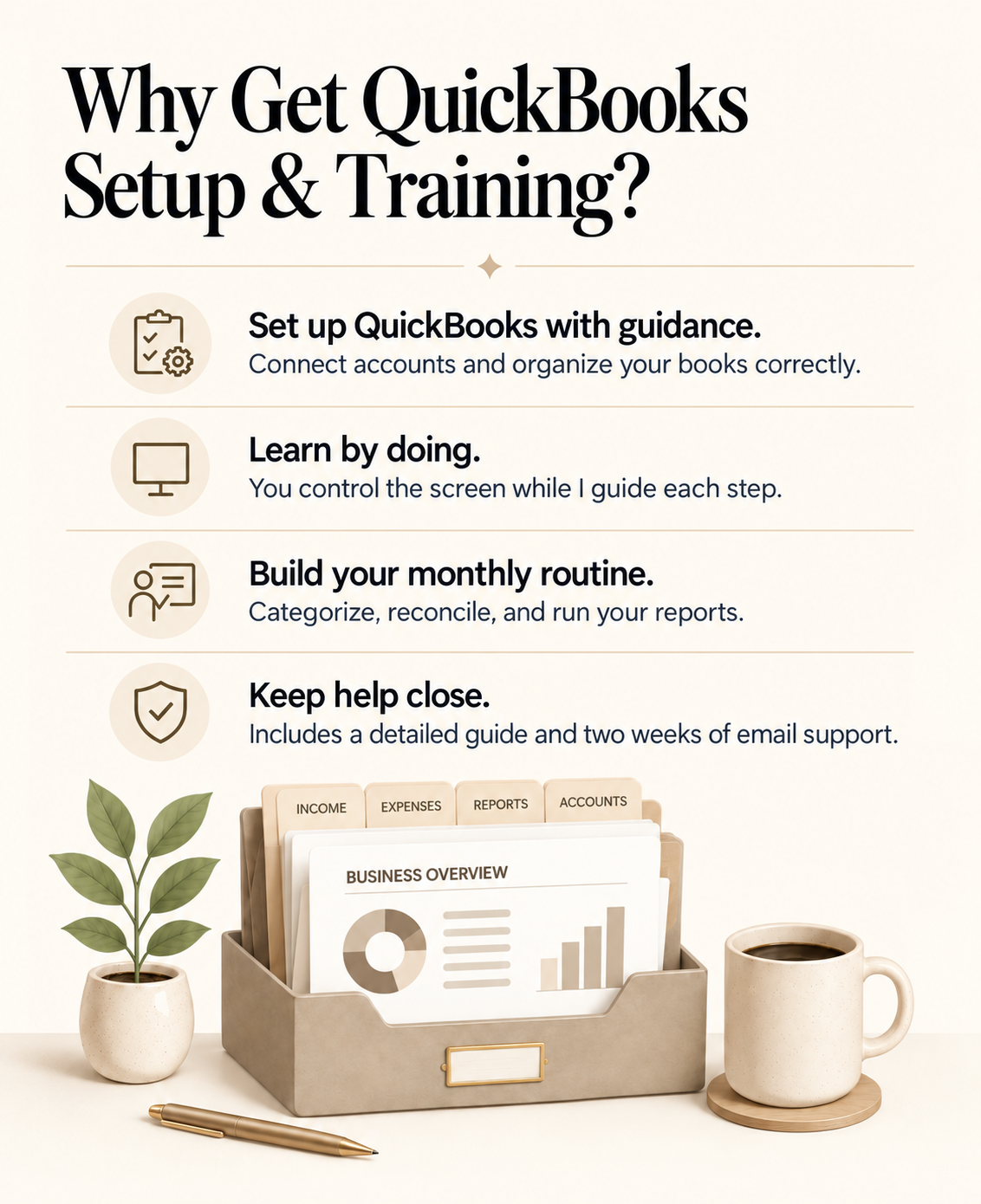
Set up QuickBooks with live, step-by-step guidance and learn how to manage it yourself.
Getting QuickBooks set up correctly can feel overwhelming.
NabbitIt™ QuickBooks Setup & Training is designed for small-business owners who want to manage their own bookkeeping but need help creating a solid starting point.
During a live, hands-on session, you will control your computer and accounts while I guide you through setting up and organizing QuickBooks. You will complete each step yourself so you understand how your bookkeeping system works and how to maintain it going forward.
$199 one-time
Includes up to 90 minutes of private QuickBooks setup and training, a detailed training guide, and two weeks of reasonable follow-up support by email.
No monthly commitment.
- Review of your business and bookkeeping needs
- Guidance selecting an appropriate QuickBooks plan, if needed
- Review of your existing QuickBooks account or help beginning a new setup
- Help connecting the bank and credit-card accounts used by your business
- Review and organization of your chart of accounts
- Guidance reviewing and categorizing downloaded transactions
- Help creating basic bank rules for common transactions
- Instructions for reconciling your accounts each month
- Guidance running and reviewing a Profit & Loss statement
- Guidance running and reviewing a Balance Sheet
- Up to 90 minutes of private, one-on-one QuickBooks training
- A detailed QuickBooks training guide for future reference
- Two weeks of reasonable follow-up questions by email
You decide how the 90-minute session is used. We will prioritize the areas that are most important to your business.
This is a live, hands-on training session. You will remain in control of your computer, QuickBooks account, and financial accounts throughout the session.
You will log in, share your screen, and complete the setup steps while I explain what to do and answer your questions.
I will never ask you to send or share your:
- QuickBooks password
- Bank or credit-card passwords
- Security codes
- Authentication codes
- Banking credentials
Because you complete the steps yourself, you leave the session with practical experience using your own QuickBooks account.
Your QuickBooks subscription is not included in the $199 training price. You will purchase your subscription directly from QuickBooks, and the account will remain in your business's name.
The following are the regular U.S. monthly prices published by QuickBooks as of September 2026.
QuickBooks Free: $0/month
A limited option for very basic bookkeeping. It currently includes one connected bank account, up to two invoices per month, and a small selection of reports.
QuickBooks Lite: $20/month
Designed for one-person businesses that need basic income and expense tracking, invoicing, and receipt. It does not include accountant access.
QuickBooks Simple Start: $38/month
Usually the best starting point for a small one-owner business that wants full business bookkeeping, financial reports, invoicing, connected accounts, and the option to work with an accountant or bookkeeper.
Most common starting option
QuickBooks Essentials: $85/month
Supports up to three users and adds features such as bill management, time tracking, enhanced reporting, and additional business workflows.
QuickBooks Plus: $140/month
Supports up to five users and adds inventory tracking, project profitability, budgets, and class or location tracking.
QuickBooks Advanced: $340/month
Supports up to 25 users and is designed for larger or more complex businesses that need advanced reporting, analytics, batch workflows, and additional controls.
Most new or straightforward one-owner businesses will not need Essentials, Plus, or Advanced.
We can discuss your business needs before you make a purchase. You will make the final plan selection and complete the purchase directly through QuickBooks.
Prices, promotions, features, and plan names are controlled by Intuit and may change. Payroll, payment-processing fees, tax filing, workforce tools, and other optional services may cost extra.
Your training will be based on your business, your QuickBooks account, and your priorities.
Depending on how you choose to use your session, we can cover:
- Connecting your business bank and credit-card accounts
- Reviewing downloaded transactions
- Categorizing business income and expenses
- Creating bank rules
- Using and maintaining your chart of accounts
- Reviewing and correcting transaction matches
- Identifying duplicate or incorrectly categorized transactions
- Reconciling your bank and credit-card accounts each month
- Running and reviewing a Profit & Loss statement
- Running and reviewing a Balance Sheet
- Recognizing transactions that may require professional assistance
- Creating a simple monthly bookkeeping routine
Your detailed training guide will also explain how to handle transfers, owner contributions, owner withdrawals, and other common owner-related transactions.
This service may be a good fit if you:
- Own a small or newly established business
- Want to handle your own bookkeeping
- Need help setting up or organizing QuickBooks
- Are unsure how to categorize business income and expenses
- Want to understand your chart of accounts
- Need help learning how to reconcile your accounts
- Want to run and understand your monthly reports
- Prefer someone to explain QuickBooks in plain language
You do not need previous QuickBooks experience. We will start where you are and focus on what you need to know.
Please have the following available:
- A computer with a reliable internet connection
- Your QuickBooks Online account, if already purchased
- Access to the business bank and credit-card accounts you want to connect
- Your most recent business bank and credit-card statements
- Your business information
- A list of your most important QuickBooks questions
- Any areas of your bookkeeping that are causing confusion
You should be prepared to log in to your own accounts and complete the steps during the session.
You decide how your 90-minute session is used.
Many new or straightforward businesses can complete their primary setup steps during one session. Businesses with numerous accounts, large numbers of transactions, existing bookkeeping problems, payroll, inventory, sales tax, or complicated records may require additional time.
Completion of every possible setup or training item cannot be guaranteed within the scheduled session. We will prioritize the work and questions that are most important to you.
Additional training or support can be scheduled for $75 per hour.
Bookkeeping cleanup and catch-up work are not included in the $199 QuickBooks Setup & Training service.
If you have a large number of uncategorized, duplicated, missing, or incorrectly recorded transactions, we can use part of your training time to review the situation and identify what may need to be corrected.
If you would like NabbitIt™ to complete the cleanup for you, pricing will depend on:
- The number of transactions
- The number of financial accounts
- The condition of the records
- The period being cleaned up
- Whether personal and business transactions are mixed
- Whether payroll, inventory, sales tax, or other complex activity is involved
No additional cleanup work will be completed without your approval.
- Your QuickBooks subscription
- Done-for-you monthly bookkeeping
- Bookkeeping cleanup or catch-up work
- Tax preparation or tax filing
- Payroll setup, processing, or correction
- Sales-tax preparation, correction, or filing
- Inventory accounting
- Bill payment
- Customer invoicing or collections
- Reconstruction of missing financial records
- Legal, tax, investment, or financial-planning advice
- Additional training beyond the included 90 minutes
- Purchase QuickBooks Setup & Training.
- Receive an email with appointment times and preparation instructions.
- Select a QuickBooks plan, if you do not already have one.
- Gather your business information, statements, and questions.
- Attend your private 90-minute session.
- Share your screen and complete each step while I guide you.
- Receive your detailed QuickBooks training guide.
- Send reasonable follow-up questions by email for up to two weeks.
After training, you will take over the ongoing maintenance of your QuickBooks account.
You will have two weeks to email follow-up questions about the setup and processes covered during your training session.
Additional one-on-one QuickBooks training is available for $75 per hour.
If you later decide you would prefer ongoing bookkeeping support, NabbitIt™ offers monthly bookkeeping as a separate service.
There is no obligation to purchase monthly bookkeeping.
NabbitIt™ provides bookkeeping organization, QuickBooks setup, and software training services. We do not provide tax, legal, investment, or financial-planning advice. Customers remain responsible for reviewing their records and working with an appropriate tax professional, accountant, or CPA when needed.